
Products · Prices · Buying guides
Sugargoo Spreadsheet
Find the product, compare its options, and plan the order from purchase to delivery.
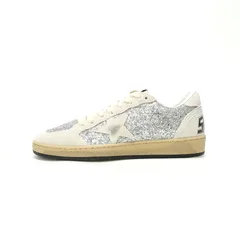
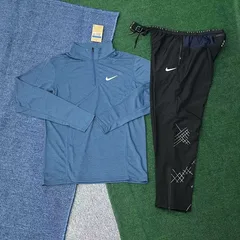
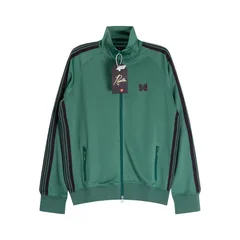
Browse product categories
What is Sugargoo, and how do you order?
Sugargoo is a purchasing and forwarding service for products from Chinese sellers. It helps organise buying, warehouse handling and the international parcel.
This independent spreadsheet brings together 2,429 product references, displayed USD prices and the corresponding Sugargoo purchase links. Use it to compare candidates; confirm the selected option and current charges on the platform before paying.
This is an independent product directory and buying guide. It is not the official Sugargoo website.
- Choose a product and its optionsUse the categories or search, then record the exact item, colour, size and quantity.
- Submit the order on SugargooOpen the product’s purchase link, confirm its options and the displayed charges, then pay the product order. Buying guide
- Review the warehouse QCCompare the received item with your saved selection. Resolve a discrepancy or request a useful view before sending it. QC guide
- Choose shipping and pay the freightSelect the items, packing and eligible route for your destination. Review the parcel quote and pay international shipping. Shipping guide
- Track the parcel and check deliveryFollow the carrier events and check the contents and condition when the parcel arrives. Tracking guide
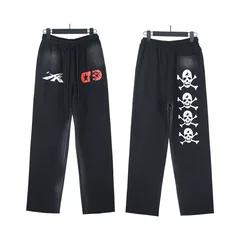 Joggers & Track Pants
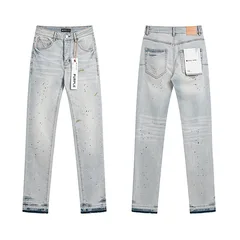 Jeans
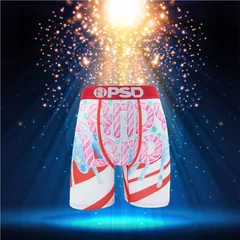 Underwear
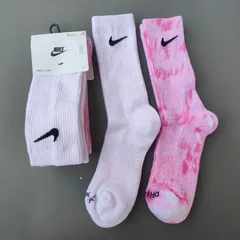 Socks
A Sugargoo spreadsheet helps you turn product discoveries into an order you can explain: what you want, which version you selected and what is included in the price. Start with the item you need, then keep enough detail to recognise it when you reopen the link. A long list is useful only if its entries lead to understandable choices.
Find the right product category
Use a specific product description when searching. A photo can help you recognise a shape or detail, but a similar-looking result still needs its own model, option and included-pieces check. A picture of a complete outfit may lead to an offer for only the top.
Make the shortlist useful before making it larger
For each candidate, save the product link, selected colour and size, quantity and included contents. Add the price with its currency and a note explaining why the item is on your list. If you are deciding between a matching set and separate pieces, write down whether the listed price covers one piece or both.
Check the payment and service questions
Read about coupon eligibility, payment methods, unclear payment results and shipping insurance. Evaluate Reddit spreadsheet posts, service identity claims, link conversion and service reviews before relying on a recommendation.
What a useful spreadsheet entry contains
Start by opening a few different entries. Can you identify the item, select the relevant option and understand the quantity? If those basic questions take more effort than searching again, adding the whole collection to your bookmarks will not solve the problem.
Test whether a product row leads to a usable offer
Consider a photograph showing a sweatshirt with matching trousers. One linked option may be a sweatshirt, another trousers and another the complete set. A spreadsheet that calls all three a “tracksuit” leaves an important purchasing question unanswered. Check the actual selected option before comparing prices or saving it as a complete outfit.
Compare a budget at the same purchasing stage
For illustration only, suppose offer A is 88 CNY with 17 CNY domestic delivery. Its subtotal is 105 CNY. Offer B is 101 CNY including domestic delivery for the same contents. At that stage B is 4 CNY lower, despite the higher displayed item price. Neither subtotal includes international freight or every possible later charge.
Interpret quality labels carefully
“Best quality” needs a reason tied to the product. A useful note might identify a visible fastening, explain a measured sleeve length or show the reverse of a print. General praise does not tell you whether the garment will fit or whether a photographed option matches the one you selected.
A small, comparable shortlist
Excel can be a useful place to organise Sugargoo finds, but the best spreadsheet is the one you can keep accurate and recover easily. A tool with more features is not automatically better for a small product list.
Start with a practical record
Keep the product description, source link, size or colour, quantity unit and currency in the same row. Add a short note for the decision still unresolved, such as whether a belt is included or which measurement needs checking.
Choose sharing permissions deliberately
Microsoft's guidance for Excel for the web describes sharing with view or edit permissions and collaboration. Give the intended reader the appropriate access rather than treating a shared link as a reason to allow everyone to change the file.
Test the tool with a small shortlist
Add a few products, close the file, reopen it and find the exact option again. Update one price with its currency and check that the surrounding fields still describe the same offer. Fix a confusing field before adding more decoration.
Turn a find into a usable product record
A good Sugargoo find solves a shopping need you can describe. It might be a pair of trousers with the rise you prefer, a bag with enough space or a top that works with clothing you already own. Begin with that need before collecting more recommendations.
Describe the feature that makes the item useful
If you want an “old money” style, turn that phrase into choices you can inspect: a restrained colour, collar shape, trouser cut or amount of visible branding. Different people use the label differently, so it is not a specification.
Shortlist complete offers
Save the chosen variant, quantity and contents. A low-price accessory may be the smaller size; an outfit image may link to one garment. Those details matter before a find can compete with another option.
Move only the useful candidates forward
Review the shortlist before paying. Remove items that no longer fit your purpose or whose important details remain unresolved. Use the best spreadsheet guide to compare entries and the purchase guide for the next stage.